
Currently Empty: $0.00



Blog
Top 10 Coding Challenges to Boost Your Web Development Skills
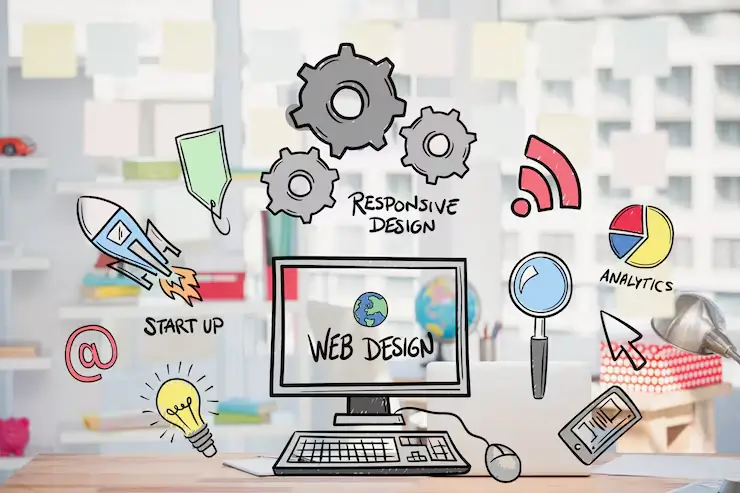
The ability to solve specific programming challenges is among the most efficient methods to increase the effectiveness of your web development abilities and move beyond the basic language to acquiring advanced logic efficient data structures and the practical development of applications.
Although general algorithms can be helpful, these 10 challenges have been specifically selected because they directly address the most common issues and fundamental patterns that are encountered in contemporary frontend and web development:
1. Make a Component Library in Scratch
This challenge is focused on the foundation of modern front-end creation: reusability and component architecture.
- The challenge: Build 5-10 common UI components (e.g., Button, Modal Dropdown, Tabs, etc.) using just vanilla JavaScript (or an appropriate minimal library).
- Skills Increased: Encapsulation and understanding the lifecycle of a component and managing state of the component as well as creating usable, reusable code. This is directly preparing you for frameworks such React as well as Vue.
2. Build an Interactive Form Validation System
Every web application needs safe user-friendly forms. This goes far beyond the simple requirement fields.
- The challenge: Create a multi-step registration form that checks inputs based on blur (when users leave the field) as well as upon the submission. Create complicated verification rules (e.g. strong password checks and confirmation fields, email format).
- Skills Increased: DOM Manipulation regular expressions and Asynchronous validation (simulating the process of checking against servers) and giving quick, immediate feedback from users.
3. Implement a Custom Carousel/Image Slider
This challenging task requires you to handle dynamic movement as well as timing and input from users that are essential for UIs that are dynamic.
- The Task: Build an image slider that has navigation buttons for forward and reverse as well as automatic transitions. indicators dots.
- Skills Increased: CSS Transitions and Animations controlling the intervals (
setInterval) as well as event management, knowing the access requirements (keyboard navigation).
4. Debounce and Throttle an Event Handler
This is a crucial efficiency and experience problem in particular when dealing with rapid user input.
- The Problem: Implement both debounce (only activate the function after a time without activity) as well as the throttle (fire it once at the most every specified interval) utilitarian functions. Use them in a common scenario such as the search for an API through a key press or dealing with a window resize.
- Skills Improved: Performance optimization and control of function execution speed, closing in JavaScript and utilizing
the setTimeout.
5. Implement a Simple Data Fetching Hook/Service
This goes beyond fetch API only once. fetch API once, and instead concentrates on the reusable management of data.
- The Task: Create a reusable JavaScript function (or a custom React/Vue Hook) which handles the fetching of data as well as managing the loading status and handling errors originating from an API that is public (e.g., GitHub, Pokemon API).
- Skills Improved: Asynchronous programming (
async/awaitpromises) states management patterns and handling errors in the case of external resource.
6. Build a Basic Responsive Layout Generator
Mastering responsive design is essential for web developers.
- The Task: Using only HTML and CSS, you can create an adaptive layout that shifts from one column (on mobile devices) into a sidebar and footer structure and content (on desktop) by using CSS Grid or Flexbox. Set minimum two breaks with the media query.
- Skills Increased: Responsive Web Design (RWD), CSS Grid/Flexbox mastery, as well as the mobile-first design philosophy.
7. Create a Local Storage-Based To-Do List App
This project for beginners is great for learning about permanent information storage for the client.
- The challenge: Build a To-Do list that allows tasks to be deleted, added or marked as complete. The list of tasks should be maintained even after the browser has been closed and then reopened with Local storage.
- Skills Boosted: Local Storage API (getItem, setItem, removeItem), JSON serialization/deserialization (JSON.parse, JSON.stringify), and managing client-side data persistence.
8. Implement a Simple URL Router
Understanding how Single-Page Application (SPAs) control navigation with no the need for reloading of pages in full is crucial.
- The challenge: Create a basic routing system that utilizes the History API (
pushStateandpopstateevents) to load various elements of content in the main section of the page, without having to request an entirely brand new HTML page from the web server. - Skills Boosted The History API Dynamic loading of content, as well as the core logic of libraries such as React Router and Vue Router.
9. Create a Drag-and-Drop Interface
Designing interactive user interfaces usually requires the direct manipulation of elements.
- The challenge: Implement a system that lets users drag and click elements between containers, while updating the data model in the background.
- Skills developed: DOM events (specifically dragstart and dragover) and handling drag information, as well as accurately formulating drop goals.
10. Implement a Dark Mode/Theme Toggle
This practical challenge forces you to manage global state and utilize powerful CSS features.
- The Challenge: Implement a toggle button that switches the entire website between a light and dark color scheme. The user’s preference must be saved using Local Storage and applied immediately on page load.
- Skills Boosted: CSS Custom Properties (Variables) for theme switching, applying classes to the document body (
document.documentElement), and managing persistent user preferences.
| Challenge Category | Core Skill Area | Example Challenge |
| Component Architecture | Reusability, State Management | Implement a Component Library |
| Performance/UX | Optimization, Event Control | Debounce/Throttle an Event Handler |
| Client-Side Data | Data Persistence, APIs | Local Storage To-Do List, Data Fetching Hook |
| Styling/Layout | Responsiveness, Visual Logic | Responsive Layout Generator, Carousel |
Which of these challenges addresses the biggest weakness in your current portfolio—data management, layout, or user interaction? Choose that one and get coding