
Currently Empty: $0.00



Blog
Beyond Pretty Pictures: The Critical Role of UX/UI Design in Modern Web Development
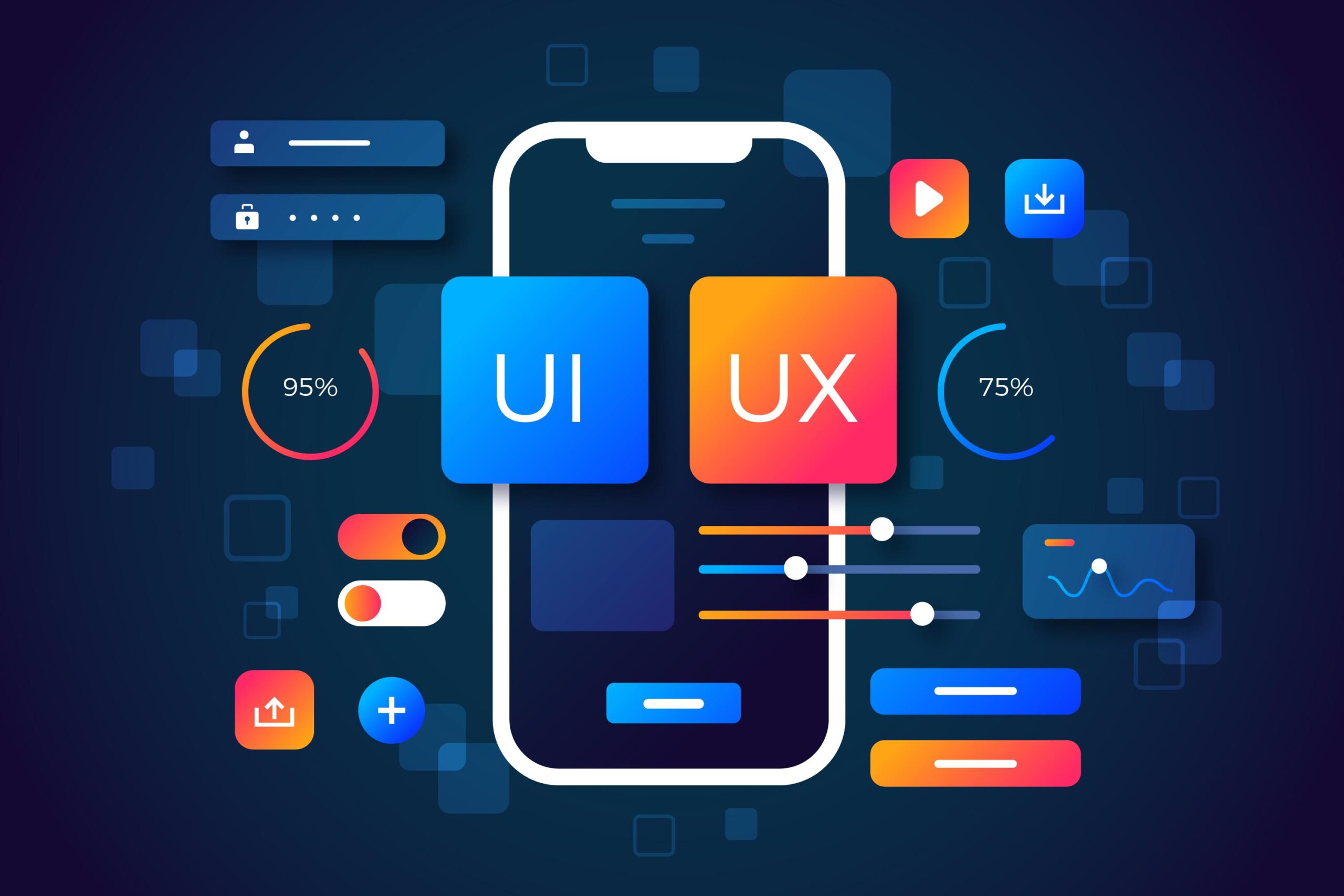
Have you ever visited a website that looked stunning but felt impossible to use? Maybe the buttons were confusing, the navigation was a maze, or the text was too tiny to read. If so, you experienced a failure in UX/UI design.
In today’s competitive digital world, it’s no longer enough for your website or application to work simply. It has to be intuitive, accessible, and delightful. User Experience (UX) and User Interface (UI) design are critical, often underestimated components that bridge the gap between brilliant code and successful business outcomes.
Think of it this way: your developers build the engine (the code), but your UX/UI designers craft the steering wheel, the dashboard, and the clear road signs. Without those, even the fastest engine will crash.
Ready to understand why investing in design is the fastest way to boost conversions, reduce bounce rates, and future-proof your product? Let’s dive into the core roles UX/UI plays in modern web development and how it directly impacts your bottom line!
UX is the Strategy: Why Design Drives Conversions and SEO
UX is the process of enhancing user satisfaction by improving the usability, accessibility, and pleasure provided in the interaction with a product. It’s the strategic layer that makes your product valuable.
Focusing on the User Journey
A great UX design meticulously maps out the user journey—the steps a visitor takes to achieve a goal, whether that’s purchasing a product, signing up for a newsletter, or finding information.
- Friction Reduction: UX designers identify and eliminate “friction points”—areas where users get confused or frustrated. Every extra click or confusing label is a point of friction that increases the chance of a user abandoning your site.
- SEO Impact (Core Web Vitals): UX directly influences key SEO metrics. Confusing layouts lead to high bounce rates (bad for SEO). Slow-loading, non-responsive interfaces hurt Core Web Vitals like FID (First Input Delay), which measures interactivity. A superior UX is a superior SEO strategy.
Think about your own website. What is the single most important action you want a user to take? Is that path clear, or cluttered?
UI is the Connection: Building Trust and Brand Identity
While UX is about the functionality (how it works), UI (User Interface) is about the visual presentation (how it looks and feels). It includes all the graphical elements—buttons, typography, colors, and layout—that enable the user to interact with the product.
Consistency and Cognitive Load
A well-designed UI builds immediate trust. If your site looks professional and operates consistently, users are more likely to stay and transact.
- Visual Hierarchy: UI designers use size, color, and spacing to create a clear visual hierarchy, guiding the user’s eye to the most important elements (like the “Buy Now” button or the main navigation).
- Reduced Cognitive Load: A consistent design system means a user doesn’t have to relearn how buttons, forms, or navigation work on every new page. This reduces their cognitive load (mental effort), making the experience feel effortless and natural.
A developer’s job is to make the code efficient; a UI designer’s job is to make the interface beautiful and predictable.
The Synergy: Where Code Meets Design
The most high-performing web applications are built when development and design work in lockstep, not in silos. This collaboration is crucial for project success.
Design Systems: The Bridge Between UX/UI and Development
A Design System is a complete set of standards, documentation, and reusable components that guide the design and development of a product. It includes:
- Style Guide: Defines colors, typography, and voice/tone.
- Component Library: Pre-built UI elements (buttons, cards, menus) ready for implementation.
- Patterns: Guidelines on how to solve specific UX problems (e.g., checkout process, data table display).
The benefit? Designers can build mockups faster, and developers can reuse production-ready code components. This eliminates tedious back-and-forth and ensures perfect visual consistency across the entire application, making your workflow faster and cleaner.
UX/UI Design vs. Pure Development Goals
It’s helpful to see how the goals of a UX/UI designer complement—and sometimes challenge—the goals of the developer. Both are essential for a successful product.
| Goal Area | UX/UI Design Focus | Web Development Focus | Result of Synergy |
| Performance | Perceived Speed (visual feedback, skeleton screens) | Actual Speed (load time, optimized code) | A site that is fast and feels fast. |
| Consistency | Visual design system, component library. | Modular code, reusable components (React, Vue). | Easy maintenance and rapid feature deployment. |
| Success Metric | User task completion rate, satisfaction score. | Code efficiency, bug count, server uptime. | High conversion rates and stable application. |
| Mobile Strategy | Mobile-first design, finger-friendly targets. | Responsive code (Flexbox, Grid), media queries. | Truly accessible experience across all devices. |
Are your developers involved in the design review process, and vice versa? Bringing them together early prevents costly redesigns later!
Future-Proofing: Accessibility and Adaptability
The future of the web demands that our applications serve everyone, regardless of their device or ability. This is where the ethical and legal necessity of good design comes in.
Designing for Accessibility (A11Y)
Accessibility (often abbreviated as A11Y) means ensuring your product can be used by people with disabilities. This isn’t just nice; it’s often legally required (ADA compliance in the USA).
- Designers: Ensure color contrast is high enough for low-vision users and define clear keyboard tab order.
- Developers: Implement correct ARIA attributes and semantic HTML tags.
A strong UX/UI approach ensures your product is not only beautiful but usable by the broadest possible audience, widening your potential market and affirming your brand’s integrity.
Time to Invest in Experience
The days of treating UX/UI as a luxury are long gone. It is a fundamental investment that yields clear returns in user trust, engagement, and conversion rates. Your beautiful code deserves a beautiful, functional interface to showcase its capabilities.
By focusing on user journeys, implementing robust design systems, and prioritizing accessibility, you will build applications that not only function flawlessly but also provide a seamless, enjoyable experience that keeps users coming back.